

MyriadDevanagari-BlackIt ☞Version 1.056;hotconv 1.0.108;makeotfexe 2.5.65593;com.myfonts.easy.adobe.myriad-devanagari.black-italic.wfkit2.version.5QTr
Family:
MyriadDevanagari-BlackIt
Auth:
Non-Commercial
File type:
TTF
Style:
Unknown
Embedded:
Installable Embedding
File size:
191.98K

Main parameters of font
| Full name of font: | MyriadDevanagari-BlackIt ☞ |
| Family: | MyriadDevanagari-BlackIt |
| Style: | Unknown |
| Font version: | Version 1.056;hotconv 1.0.108;makeotfexe 2.5.65593;com.myfonts.easy.adobe.myriad-devanagari.black-italic.wfkit2.version.5QTr |
| Characters: | 519 |
| Glyphs: | 912 |
| EMCompany: | 1000 |
| Word weight: | Normal |
| Word width: | Medium (normal) |
| written words: | Latin, Symbols, Greek, Devanagari, Tibetan, Unknown Script |
| Block: | Basic Latin, Latin-1 Supplement, Latin Extended-A, Latin Extended-B, Spacing Modifier Letters, Combining Diacritical Marks, Greek and Coptic, Devanagari, Tibetan, Vedic Extensions, Latin Extended Additional, General Punctuation, Currency Symbols, Letterlike Symbols, Mathematical Operators, Geometric Shapes, Alphabetic Presentation Forms |
| Auth: | Non-Commercial |
| Font embedding license: | Installable Embedding |
| File type: | TTF |
| File size: | 191.98K |
Download

| Font download is provided by Fontke. Click Download to jump to fontke.com | Word by - a necessary font weapon for designers | ||
|
Download |
 |
 |
HelloFont Windows Client
HelloFont macOS Client |
Buy Font License

LikeFont has reached a strategic partnership with FontGoods (Licensed website of genuine commercial font), and the following commercial font license services will be provided by FontGoods.
Myriad Devanagari Black Italic Commercial license

|
Price | 请联系客服获取报价 |
| Services |
 Genuine Genuine
 Official Official
 Invoice Invoice
|
|
| Type |
Please click "buy now" to purchase commercial font license from FontGoods.
Recommended Fonts
For the following selected fonts, you can go to FontGoods to obtain commercial license.









- Third party login -


Font installation instructions
When the font is installed in the computer system, the font bar menu of any desktop program can be called and displayed on the screen.
Windows
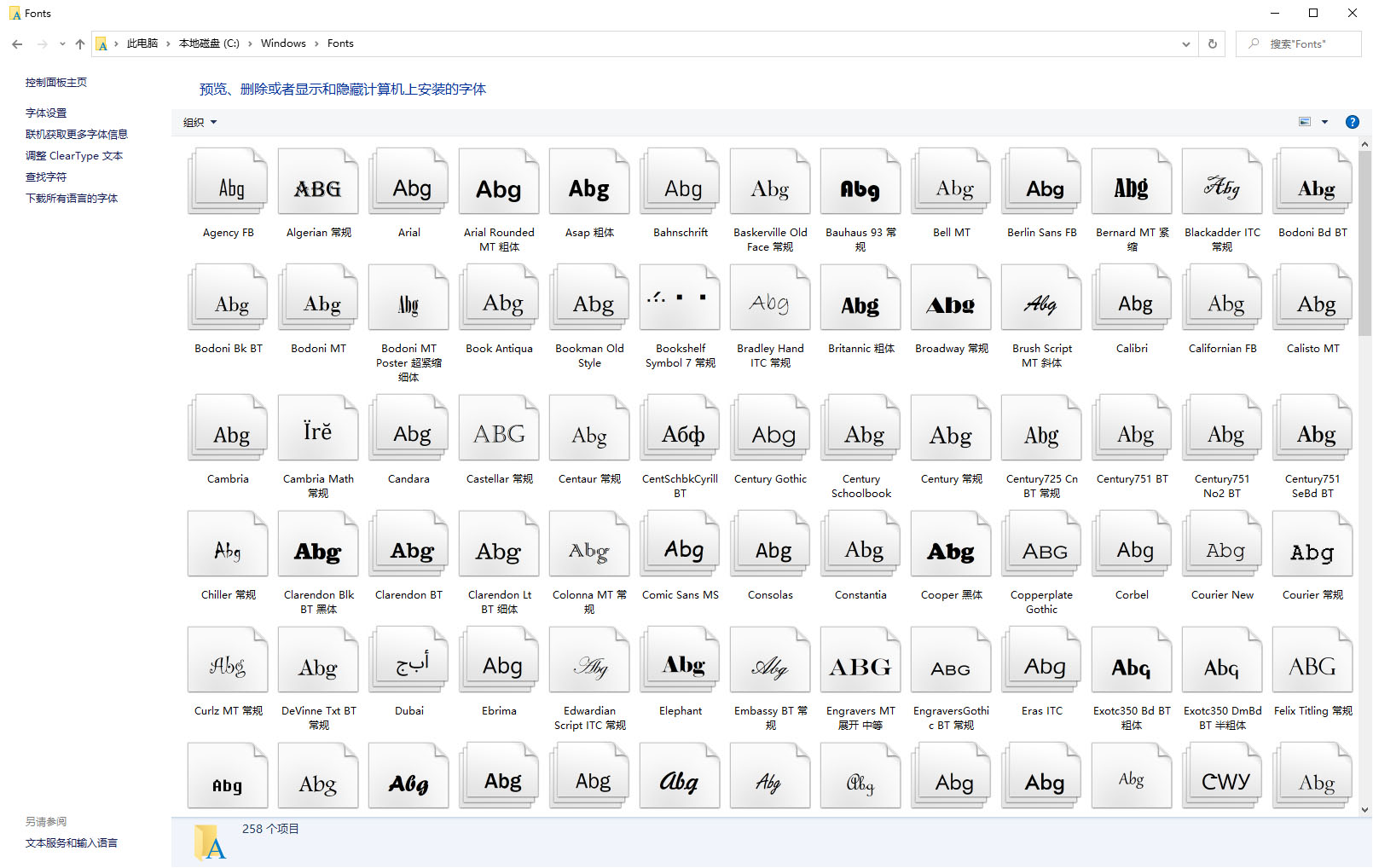
Method 1: copy or drag the font file to the folder C:\Windows\Fonts.
Method 2: in Windows 7 and later versions, right-click the font file and click "Install" in the pop-up right-click menu.
MacOS
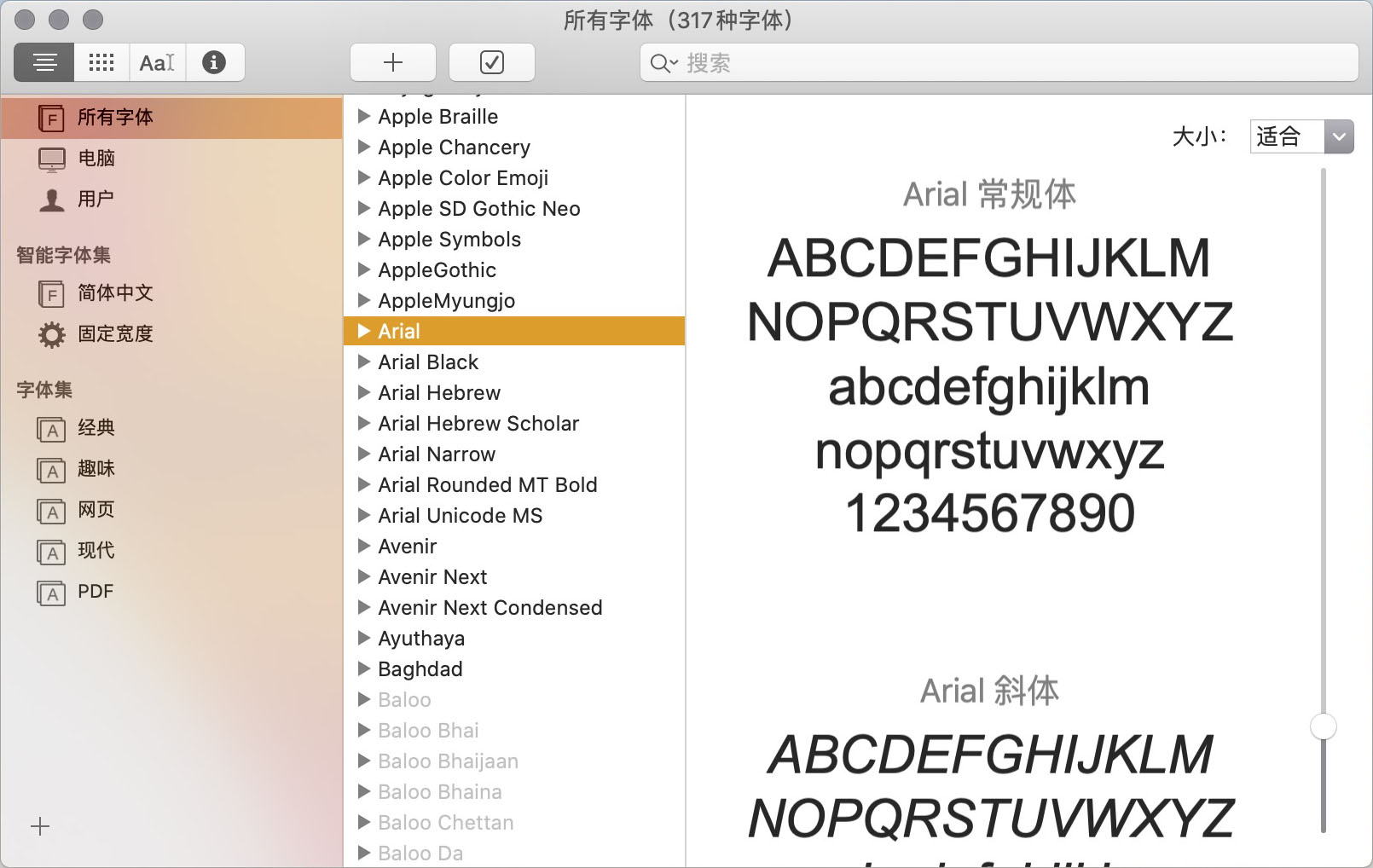
Method 1: click the "add" button in the "font book" toolbar, find and select the font, and then click "open".
Method 2: drag the font file to the font book application icon.
Method 3: Click the font file in "Finder", and click "Install Font" in the pop-up dialog box.
- Popular Fonts -

 35010202000235 of Fujian public network